



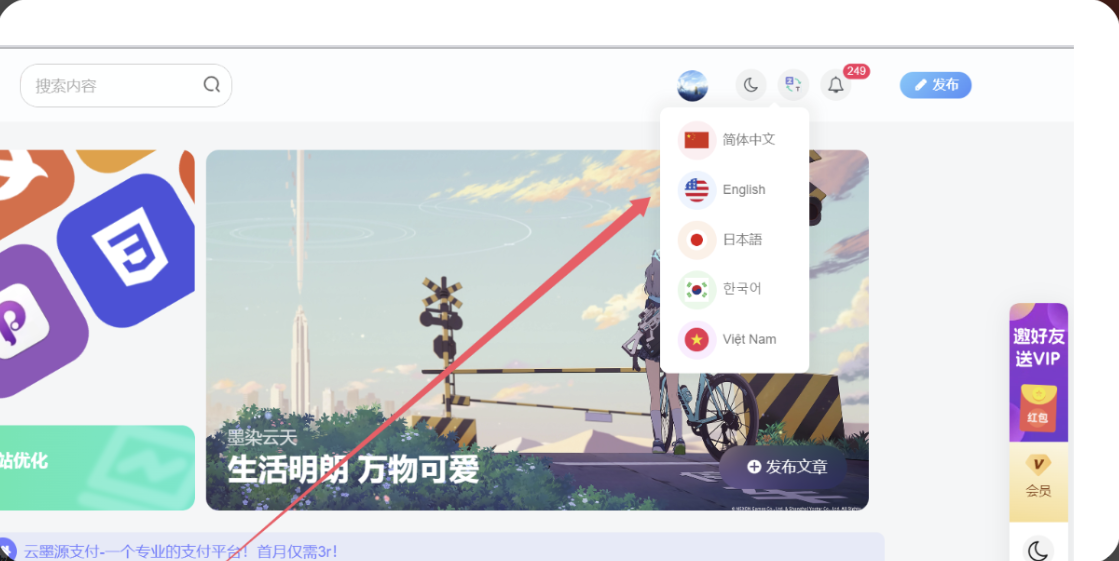
效果图
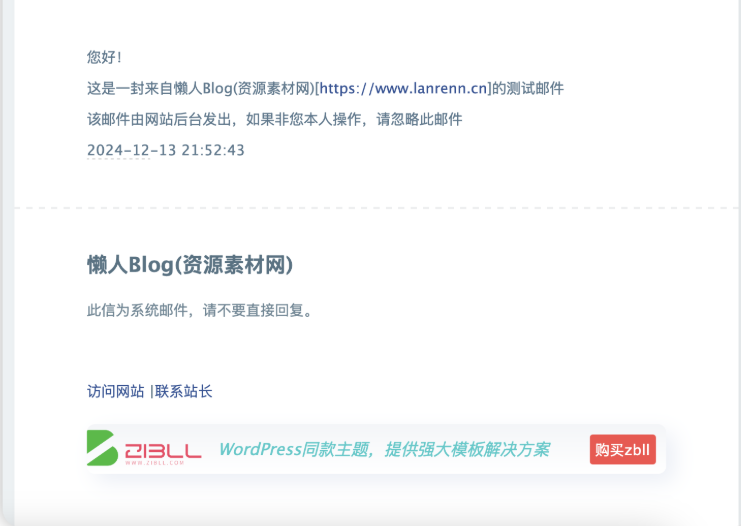
实用教程
WordPress后台 – Zibll主题设置 – 全局功能 – Email邮件 – 额外内容二
<a href="https://blog.770504.asia">访问网站</a> |<a href="http://wpa.qq.com/msgrd?v=3&uin=260075702&site=qq&menu=yes">联系站长</a>
<div style="
    margin: 23px 0px 10px;
    height: 48px;
    position: relative;
    border-radius: 8px;
    box-shadow: 8px 8px 20px 0 rgb(55 99 170 / 10%), -8px -8px 20px 0 #fff;
    background-image: linear-gradient(0deg,#fff,#f3f5f8);">
    <img src="https://oss.zibll.com/zibll.com/2023/10/20231025151225453-ZIBLL-LOGO-%E5%8A%A8%E7%94%BB-%E7%99%BD%E5%A4%A9.svg" title="OKEX" style="
    float: left;
    width: 111px;
    height: 46px;"> <a href="https://www.zibll.com/pay-zibll/?ref=37389" target="_blank" rel="noopener"title="okex" style="
    overflow: hidden;
    padding: 0 103px 0 16px;
    position: relative;
    display: block;
    overflow: hidden;
    text-decoration: none;">
    <em style="
    animation: fadenum 10s infinite;
    font-size: 16px;
    color: #0ecbcb;
    display: block;
    line-height: 48px;
    height: 48px;
    text-overflow: ellipsis;
    white-space: nowrap;">
   WordPress同款主题,提供强大模板解决方案
    </em><span style="
    font-size: 18px;
    background: #333;
    width: 64px;
    height: 29px;
    background: #ff4c4c;
    color: #fff;
    line-height: 29px;
    text-align: center;
    position: absolute;
    right: 10px;
    top: 10px;
    border-radius: 3px;
    font-size: 14px;">购买zbll</span></a></div>
© 版权声明
THE END





![表情[dabing]-免费提供建站资源馨跃芸博客](https://blog.770504.asia/wp-content/themes/zibll/img/smilies/dabing.gif)



暂无评论内容